
Speed in remote desktop software depends on which criteria matter most for a given setup: routing, geography, and firewall rules vary by network, so no single tool holds a fixed runtime advantage everywhere. The specifics matter more than that caveat.
To make sense of that, we took a few of the best-known remote desktop tools, TeamViewer, AnyDesk, and HelpWire, and put them side by side: how they handle connection routing, how they perform under an internal test, and how quickly each one gets a support session started in the first place. The goal is to see under which conditions each tool holds up best, rather than naming one universal winner.
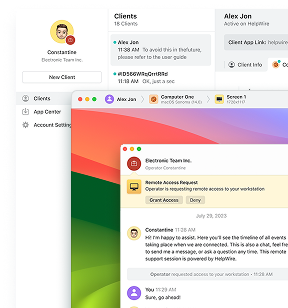
Note: Of the tools compared here, HelpWire stands out on two fronts: a peer-to-peer-first connection model with encrypted relay fallback, and Quick Connect, which starts a session in fewer steps, no ID, password, or address exchange needed. In our own internal test, HelpWire matched TeamViewer’s smoothest motion at default quality, while TeamViewer needed its highest setting to get there. Review the section below for a more detailed comparison
What Determines Remote Desktop Speed?
Remote desktop speed comes down to six factors: connection routing, geographic distance, vendor infrastructure, network quality, firewall and VPN rules, and display settings. These don’t carry equal weight. Network quality, connection routing, and display settings tend to have the most direct impact on remote desktop latency and remote desktop bandwidth use, while vendor infrastructure scale matters more at the margins, mainly when a session is forced onto relay.
Connection Route: P2P vs Relay
A peer-to-peer (P2P) connection routes data directly between two devices, while a relay connection routes it through an intermediate server. A direct route usually lowers latency, but relay is not always slower, since a well-positioned relay server can outperform a poor-quality direct route on a congested network. A direct connection is also not always possible, since it depends on both devices negotiating a path around firewalls and NAT (Network Address Translation) rules.
Geographic Distance and Relay Server Location
Physical distance adds latency, since data travels at a fixed practical speed limit. A session between two devices on opposite sides of a continent takes longer to round-trip than one in the same city, even on a healthy connection. This is why the same tool can feel faster in one region than another, and why a direct connection tends to perform more consistently across long distances than a relay path does.
Vendor Infrastructure and Server Capacity
A relay network’s regional coverage, capacity, and redundancy affect how much of a detour a session takes when it cannot connect directly. Broader coverage generally puts a closer server on the route, and spare capacity reduces the odds of landing on an overloaded one. Scale helps, but it does not remove the underlying cost of routing through an intermediate server.
Network Quality on Both Ends
Network quality on both ends of a session, not only one, determines how it performs, since remote desktop traffic depends on the weaker of the two connections. Latency is round-trip delay, jitter is inconsistency in the delay, and packet loss forces re-transmission, which shows up as stutter. Upload speed on the remote side matters as much as download speed on the operator’s side, since screen data flows outward from the remote device.
Firewalls, NAT, and VPNs
Firewall rules, NAT configurations, and VPNs determine whether a direct connection is possible at all, regardless of connection speed. Corporate firewalls often block the ports a direct connection needs, forcing a relay path even on a fast network, and symmetric or carrier-grade NAT on mobile networks creates the same problem. A hotel Wi-Fi network is a common example, since captive networks like these often block the ports a direct connection needs. A VPN adds its own routing hop and can block those same ports, on top of its own overhead.
Display and Performance Settings
Higher resolution, image quality, and frame rate increase the bandwidth a session needs, which is why display settings affect perceived speed as much as routing does. A constrained connection shows this as lag even on a direct route, while tools letting an operator lower image quality or prioritize speed stay responsive where a fixed high-quality setting would stutter.
Fastest Remote Desktop Software: Best Tools to Check
All three remote desktop software can establish direct and relayed sessions, but they differ in codec design, firewall handling, performance controls, and the problems users commonly encounter on restrictive networks.
Comparative Performance Testing
To compare real-world responsiveness under identical conditions, we evaluated HelpWire, AnyDesk and TeamViewer on the same Windows 10 system at 1920×1080 using continuous window-drag activity. Bandwidth consumption, processor utilization, and motion smoothness were measured across low, default, and high quality settings.
HelpWire delivered the smoothest motion at its default quality setting, matching the responsiveness TeamViewer reached only at its highest quality configuration. That came at a bandwidth cost, with HelpWire using approximately 5 Mb/s at its default setting versus about 0.5 Mb/s for TeamViewer at its default configuration. TeamViewer, meanwhile, maintained consistently higher processor utilization throughout the benchmark, indicating a different balance between bandwidth efficiency and CPU usage.
These findings position HelpWire as one the fastest remote desktop software. For environments where smooth real-time interaction is the priority, HelpWire delivered the strongest results in this comparative test.
TeamViewer
TeamViewer attempts a direct connection when network conditions allow it, negotiating a peer-to-peer path before considering any other option. When a direct path is not possible, typically because of a restrictive corporate firewall or symmetric NAT, the session falls back to TeamViewer’s relay infrastructure instead. This routing decision happens automatically at the start of a session, without input from the operator or the remote user.
Reported TeamViewer Speed Issues
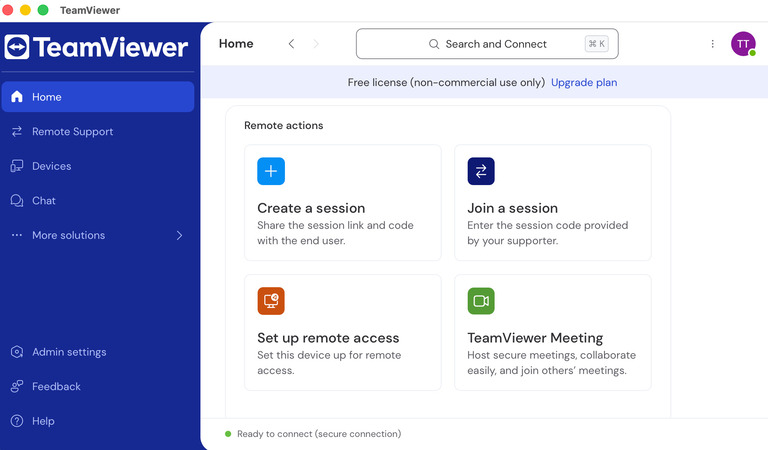
Reactions on IT forums are mixed and depend heavily on what a person compares TeamViewer against. In a r/sysadmin discussion on remote desktop speed for remote workers, an IT admin testing options for remote data entry work rated TeamViewer the fastest of the tools tried, ahead of RemotePC and Splashtop, though its price ruled it out for a small team. Other threads describe the opposite experience on constrained or corporate networks, where sessions default to relay routing more often and responsiveness drops. TeamViewer’s own guidance in these cases points to updated client versions and stable network conditions as the first troubleshooting steps.
AnyDesk
AnyDesk also attempts a direct connection first, falling back to relay mode only when direct negotiation fails. Its proprietary DeskRT codec keeps the video stream responsive on lower-bandwidth connections, adjusting image quality to available bandwidth rather than influencing which network path a session takes. The codec and the routing decision operate independently, even though they are sometimes described together.
Reported AnyDesk Speed Issues
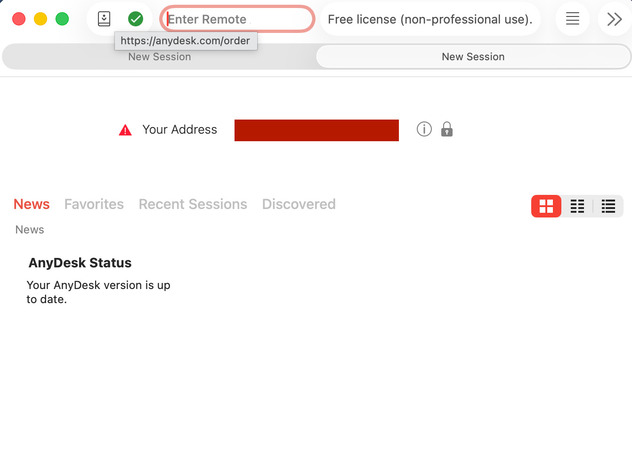
Community sentiment on AnyDesk speed runs more positive than TeamViewer’s in casual comparisons. In a r/software discussion on the fastest remote desktop software, several users described AnyDesk as noticeably better performing and easier to set up than TeamViewer. Even so, users on business networks with strict firewall rules report connection timeouts and forced relay routing when direct negotiation fails, a pattern also documented in IT forum threads about diagnosing AnyDesk over corporate firewalls. For fixing AnyDesk network timeout issues, AnyDesk’s own documentation recommends disabling direct connections and forcing relay mode as a fallback, trading some latency for reliability.
HelpWire
HelpWire attempts to establish a direct peer-to-peer connection automatically and falls back to encrypted relay servers when a direct path isn’t available. Firewall-Friendly Connectivity reduces situations where firewall configuration would otherwise force a session onto relay, while Performance Settings let operators prioritize speed or image quality as network conditions change.
In comparative testing conducted for this review, HelpWire delivered the smoothest motion of the evaluated solutions, matching TeamViewer’s highest quality setting at its default configuration, though at a higher bandwidth cost. These results, together with its peer-to-peer-first architecture and Quick Connect workflow, make HelpWire one of the strongest options for teams searching for the fastest remote desktop software. Full methodology and test conditions appear below.

Why HelpWire Performs Well
The benchmark results reflect several architectural decisions that prioritize responsiveness in real-world support sessions.
Peer-to-Peer Connections
HelpWire establishes a direct peer-to-peer connection whenever possible, reducing latency by avoiding relay servers. If a direct path isn’t available, it automatically switches to encrypted relay servers to keep the session running.
Performance Settings
Operators can prioritize speed, image quality, or automatic optimization based on current network conditions, balancing responsiveness against bandwidth use.
Firewall-Friendly Connectivity
HelpWire is designed to establish sessions without requiring client-side firewall changes, reducing connection delays on managed networks.
Quick Connect
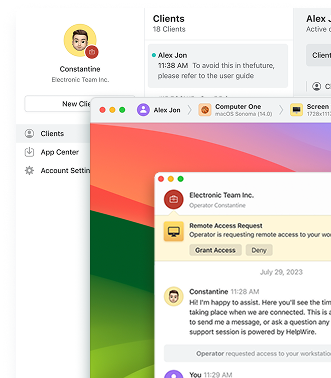
Quick Connect removes the need to exchange IDs, passwords, or connection addresses. A single connection link gets the session started faster, making HelpWire one of the strongest options for teams looking for the fastest remote desktop software.
Connection Performance Comparison
| Category | TeamViewer | AnyDesk | HelpWire |
| Direct connection | Attempted when network conditions allow | Attempted when network conditions allow | Attempted by default (peer-to-peer) |
| Relay fallback | Yes | Yes | Yes, encrypted |
| Firewall-restricted networks | Falls back to relay, may need firewall exceptions per documentation | May require manually forcing relay mode per documentation | Built to connect without client-side firewall changes |
| Low-bandwidth handling | Adjustable quality and performance options | DeskRT codec designed for lower-bandwidth responsiveness | Performance Settings: prioritize speed or image quality, or automatic |
| Motion smoothness vs. bandwidth (HelpWire internal test) | Highest tested quality needed to match HelpWire’s default smoothness, at lower bandwidth throughout | Not yet tested in this round | Default quality matched TeamViewer’s highest, at higher bandwidth use throughout |
| Published comparative benchmarks | No vendor-neutral benchmark published | No vendor-neutral benchmark published | No vendor-neutral benchmark published; HelpWire has run its own internal test (see above) |
Routing mechanism and network handling differ meaningfully between the three tools, even where a controlled, independent latency benchmark doesn’t exist to rank them outright. HelpWire’s advantage here is not a guaranteed lower latency number, but a peer-to-peer-first model, encrypted relay fallback, and no need for client-side firewall reconfiguration, backed for motion smoothness specifically by HelpWire’s own internal test above.
3. Connection Speed Also Means Time to Start a Session
Runtime latency is only one part of perceived speed. In support workflows, the time spent installing software, reading credentials, and explaining connection steps can add up to more delay than the connection negotiation itself.
TeamViewer Session Start
Starting a TeamViewer session on the remote side runs through either the full client or the portable QuickSupport tool, followed by reading a numeric ID and a one-time password to the operator before the operator enters them and connects.
AnyDesk Session Start
Starting an AnyDesk session means running its client, sharing a connection address with the operator, and accepting the incoming request before the session begins.
HelpWire Quick Connect
HelpWire’s Quick Connect starts differently. The operator sends a connection link, the remote user opens it and runs a temporary, single-use client without installing standard software or creating an account, and grants access. No numeric ID or separate password exchange happens before the session starts. For a broader view of this approach, remote desktop tools without installation covers how Quick Connect compares to other no-install options.
Session-Start Comparison
| Step | TeamViewer | AnyDesk | HelpWire Quick Connect |
| Software on remote side | Full client or portable QuickSupport tool | Client run, portable or installed | Temporary, single-use client, no install |
| Manual information exchange | ID and password, read aloud or sent separately | Connection address, shared with the operator | None, connection link only |
| Account required | No, for on-demand sessions | No, for on-demand sessions | No |
| Approval step | Remote user accepts the incoming session | Remote user accepts the incoming session | Remote user opens the link and grants access |
HelpWire wins this category because the remote user follows a link instead of reading or exchanging connection credentials with the operator.
4. Which One Is the Fastest Remote Desktop Solution?
For In-Session Responsiveness
No tool can be named a universal winner on in-session responsiveness, since it depends on network route, geography, firewall rules, and server load. HelpWire’s peer-to-peer-first architecture, encrypted relay fallback, and firewall-friendly connectivity are advantages in mechanism, reinforced for motion smoothness specifically by HelpWire’s internal test above. That test is one internal result, not a controlled, independent benchmark, and AnyDesk’s codec-based approach to low-bandwidth responsiveness remains a real strength on constrained connections.
For Starting a Support Session
For starting a support session, HelpWire has the shortest and simplest workflow of the three. Quick Connect removes the ID, password, or address exchange required by TeamViewer and AnyDesk, cutting the process down to a link and an approval click. This matters most for ad-hoc, one-time support requests, where every extra step adds friction before the work begins.
Overall Recommendation
TeamViewer and AnyDesk remain capable tools with broad infrastructure behind them, and AnyDesk in particular holds up well on slower connections. HelpWire is the more practical choice for teams needing fast remote support software for on-demand work, backed by a peer-to-peer-first routing model, encrypted relay fallback, firewall-friendly connectivity, and, per its own internal testing, smoother motion at default settings than TeamViewer manages even at its highest.
FAQ
Yes, server location affects remote desktop speed, particularly when a session falls back to a relay server instead of connecting directly. A relay server positioned far from either the operator or the remote device adds distance the data has to travel, increasing latency even when both users have fast local connections. This is why the same tool can feel faster in one region than another.
No, a direct connection is not always faster than a relay connection. A direct path usually lowers latency, provided a direct route can be established in the first place. A poor-quality direct route over a congested or long-distance network can perform worse than a stable relay path through a well-located server.
A VPN can slow a remote desktop connection when it adds an extra routing hop or blocks the ports a direct peer-to-peer connection needs. Traffic passing through a VPN tunnel and then through a relay server travels a longer path than a direct connection would, adding measurable latency on top of the VPN’s own overhead. Testing the connection with the VPN temporarily disabled helps confirm whether the VPN or the remote access tool is the source of the slowdown.
It depends on the tool’s approach and the quality setting in use. AnyDesk’s DeskRT codec is built specifically to reduce remote desktop bandwidth on slower connections. In HelpWire’s own internal testing, TeamViewer used less bandwidth than HelpWire at matching quality settings, but at a noticeably higher processor load, suggesting TeamViewer trades CPU usage for lower bandwidth rather than avoiding the cost altogether.
Quick Connect is a way to start an on-demand remote session without either side creating an account or installing standard client software in advance. HelpWire’s Quick Connect uses a temporary, single-use client, running for the length of the session and going inactive once it ends. This is suited to one-time support requests where account setup would add unneeded steps before the session starts.